 Slicora
Slicora
Slicora
Slicora opens the DICOM files from hospital CDs, patient portals and USB drives — the scans themselves, not photos of them.
Download on the App StoreFree to download · US$89/year unlocks 3D, measurements and reports
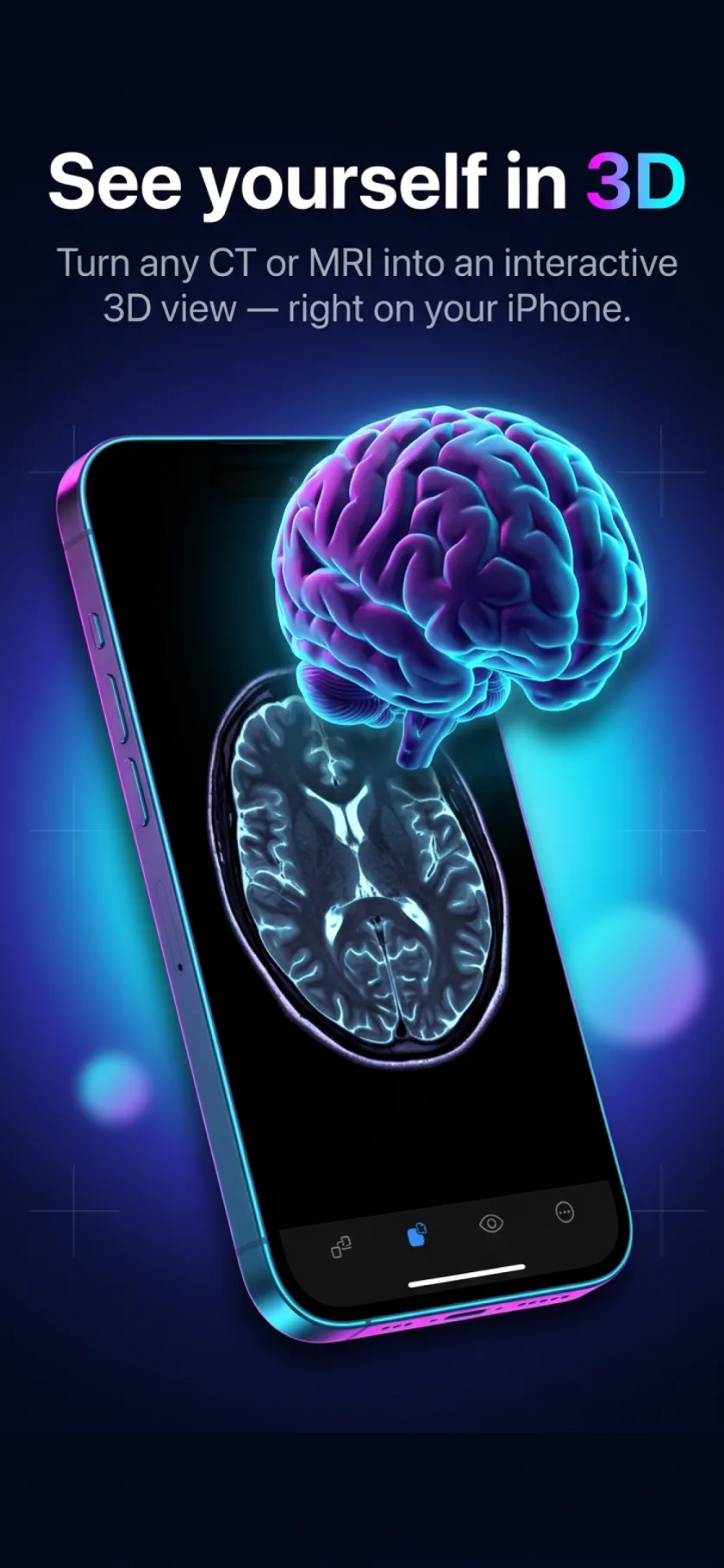
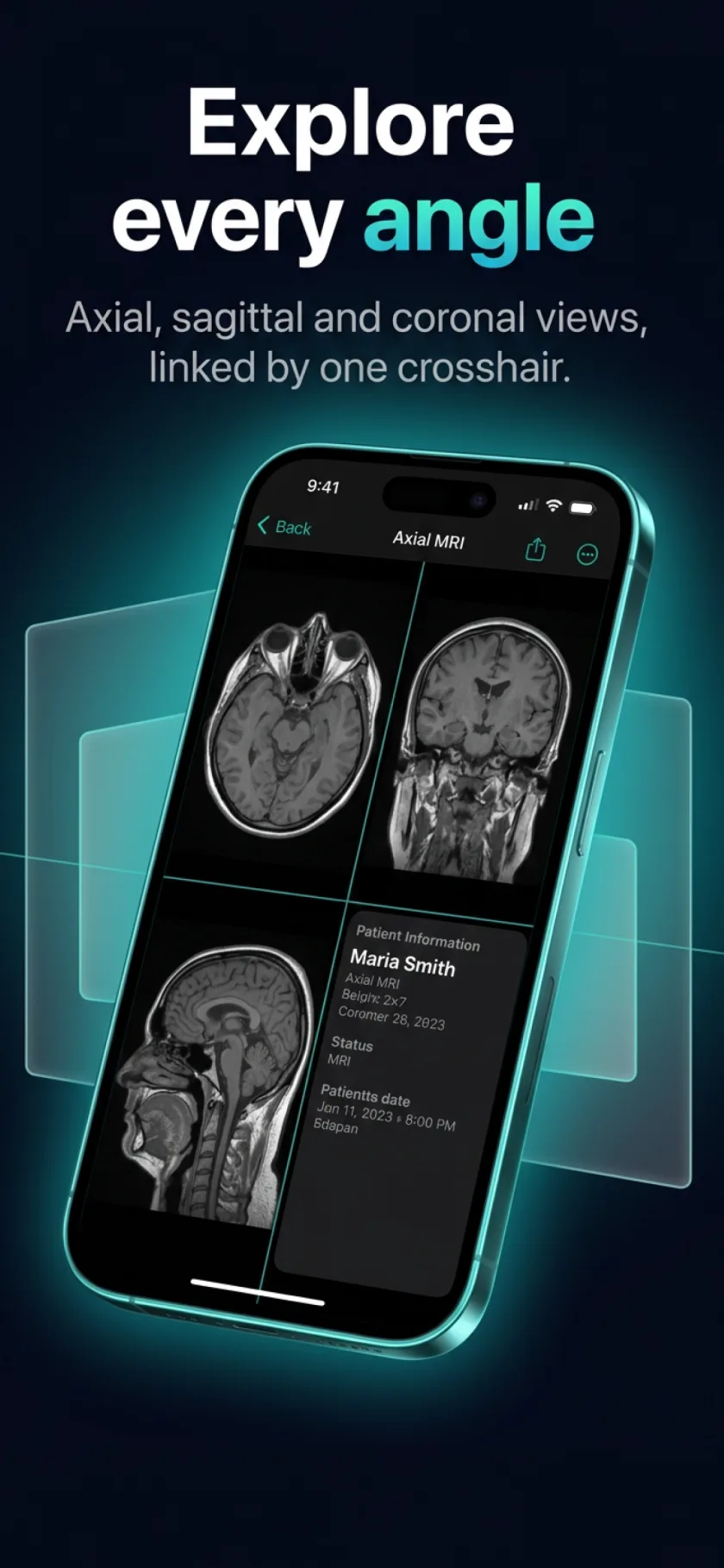
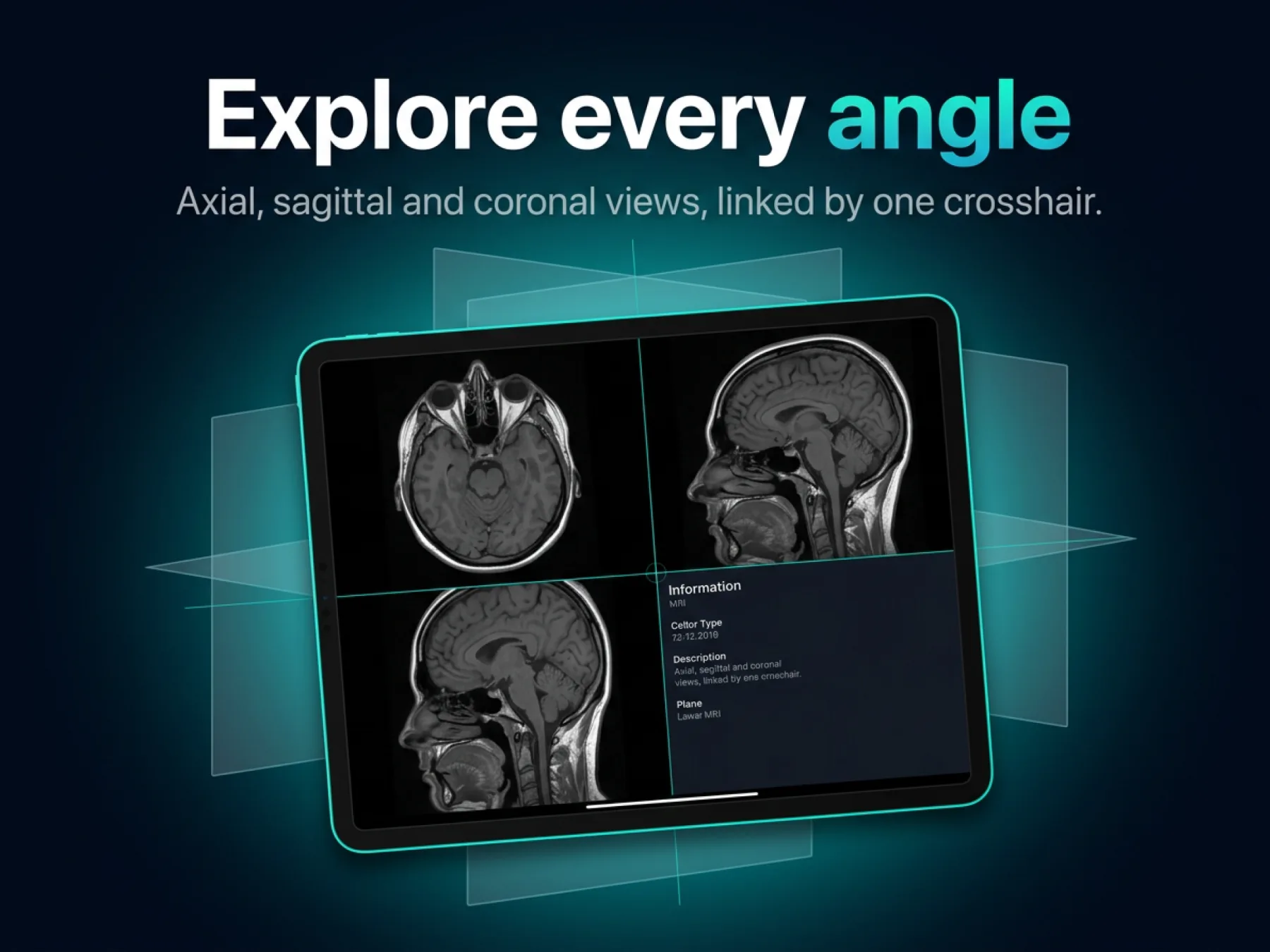
Axial, sagittal and coronal views side by side — plus interactive 3D reconstruction of CT and MRI stacks.
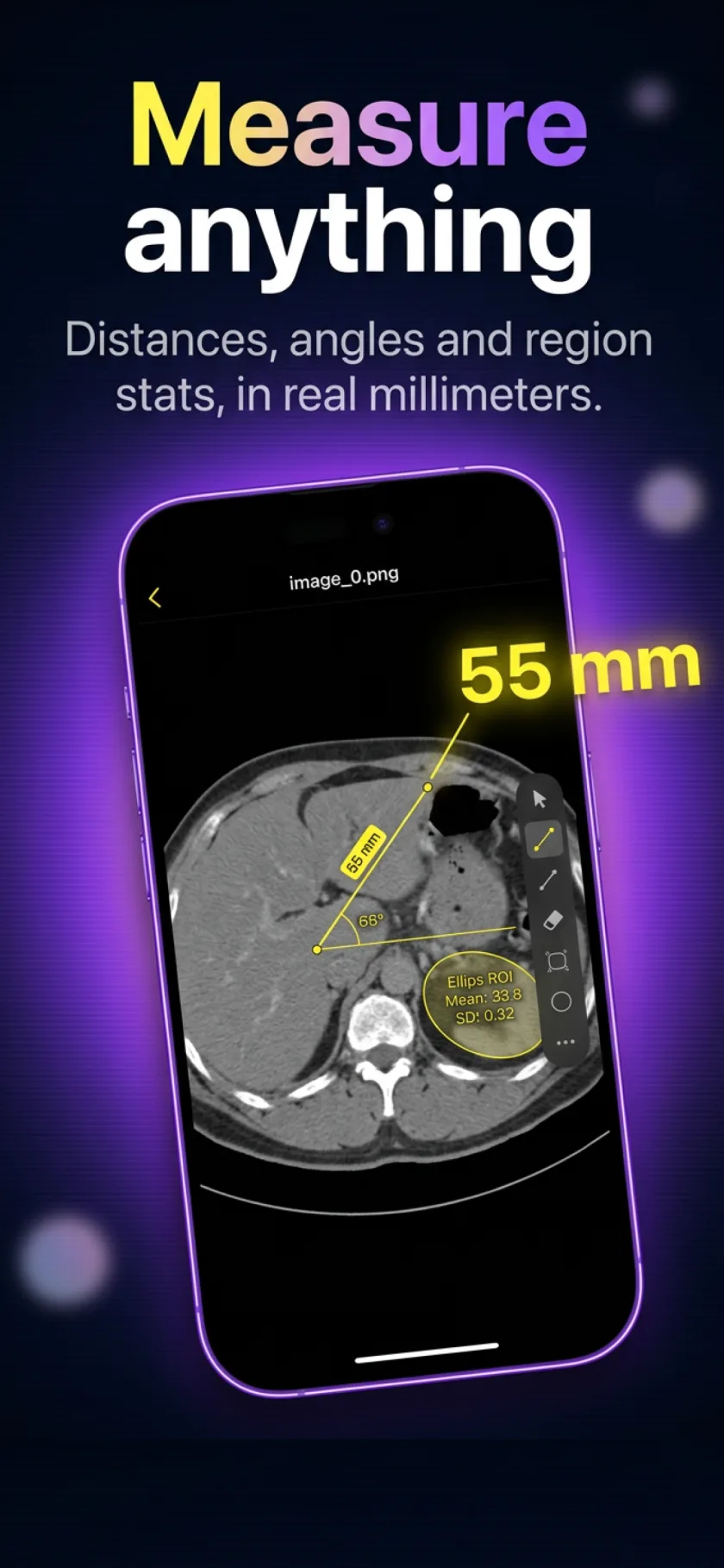
Distances, angles and region stats, using the calibration stored in the scan itself.
No conversion, no desktop software. Import the disc, the ZIP or the folder in a couple of taps — even straight from a computer over Wi-Fi.
Got the scan on a Mac or PC — or stuck on a hospital CD? Move it to your phone without cables, email or cloud drives.
Private, like everything else: your files travel directly over your own Wi-Fi and never touch the internet — only a pairing code is exchanged with slicora.app.
The same viewer, measurements and 3D reconstruction — on a screen big enough to share across the desk.
No app, no install, nothing to plug in. Upload a study once at app.slicora.app and open it from any computer, at full resolution, with the 3D reconstruction and measurements intact.
US$89 per year
Billed annually and renews until you cancel. Payments are handled by Paddle, our merchant of record; tax is shown before you pay. The iPhone and iPad app is a separate, free download.
Medical images deserve better than being uploaded to someone's server.
Viewing, measuring and 3D reconstruction all happen on your iPhone or iPad. Nothing is uploaded, and there is no account to create.
Nothing moves until you have signed in and picked a file. We never sell your data, never show ads, and never train models on your scans.
On the device, studies live in the app's private storage under iOS encryption. On our servers they are encrypted too, and deleting them means deleting them.
The full detail is in the Privacy Policy.